Cytogence FCS
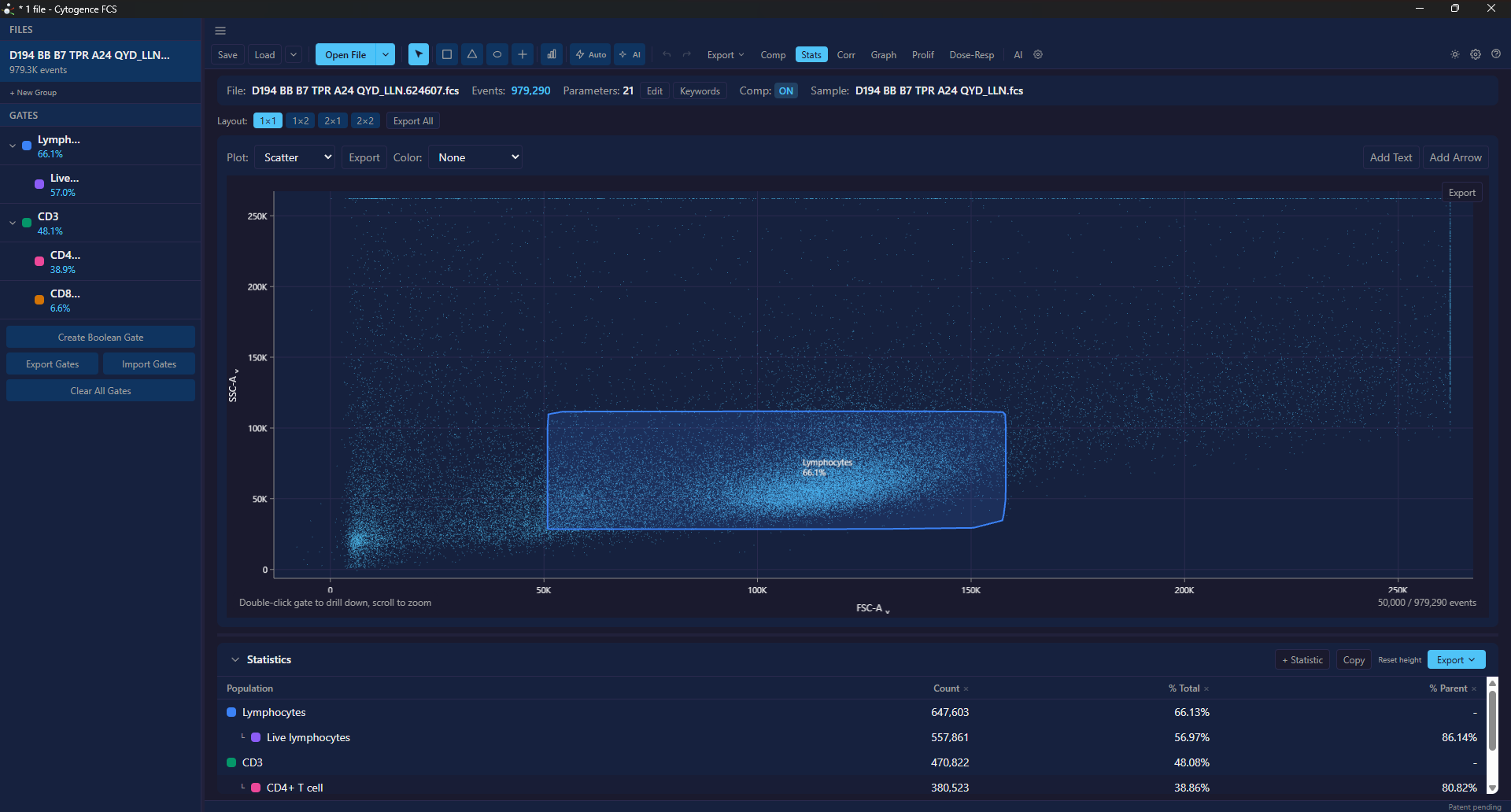
Cytogence FCS is a desktop flow cytometry analysis application. It opens FCS files, applies compensation, draws gates, computes population statistics, and exports figures and tables — and it pairs that with two different kinds of AI that are easy to confuse, so they are documented separately.
It runs on Windows and macOS. Analysis happens on your machine.
What it does
Section titled “What it does”Reads your files. FCS 2.0, 3.0 and 3.1. Keywords and parameters are inspectable, not hidden.
Compensates. Import a spillover matrix, edit it cell by cell, or compute one from single-stain controls. FMO thresholds are supported.
Gates. Rectangle, polygon, ellipse, quadrant and range gates, arranged in a hierarchy you can drill into. Undo and redo apply to gate edits.
Computes statistics. Per-population counts, frequencies and channel statistics, updating as gates change, plus a correlation heatmap across parameters.
Exports. Statistics as CSV, events as CSV, figures as SVG, PDF or PNG, and the compensation matrix back out.
Runs batches. Apply one gating strategy across many files, with dose-response and proliferation analyses for the experiment types that need them.
The two AIs — they are not the same thing
Section titled “The two AIs — they are not the same thing”This distinction matters more than any other in these docs, because the two have completely different trust properties.
AI-1 is our own gating model. It runs entirely on your machine, needs no account and no API key, and identifies a fixed, published list of immune populations. Its defining property is that it declines populations it cannot identify and tells you why rather than guessing.
The AI copilot is a large language model. It plans gating strategies in plain language and drives the application through the same actions you would take by hand. It can run against a cloud provider or a local model. It proposes; nothing is applied until you approve it.
If your institution does not permit sending data to a cloud service, AI-1 and the local copilot option are the parts of the product you can use — see the copilot page for how to configure that.
What it does not do
Section titled “What it does not do”Being straight about this saves you an evaluation:
- No spectral unmixing. Conventional compensation only.
- No clustering-first workflow. There is no t-SNE and no built-in FlowSOM. A UMAP embedding can be computed and plotted, but gates cannot yet be drawn on UMAP axes. Clustering is available as auto-gating and as Cluster…, which turns groups of cells into populations, and per-cell labels from FlowSOM, Phenograph or your own script can be imported as populations — see Gating.
- AI-1 covers human samples only, and a specific population list. It is not a general-purpose cell classifier — see AI-1.
Where to start
Section titled “Where to start”- Install — download, verify, and get past the Windows warning.
- Licensing — what works without a license, and what a license adds.
- Your first analysis — file open to exported statistics.